
Editing Clips
Open the saved clip in VLC.
You can use the Record control to cut this clip:
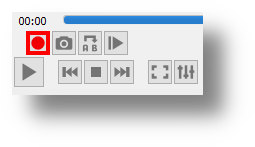
While you are playing the video with VLC, click the Record control button where you want to start the clip and then click it again when you want the clip to stop.
VLC will save this cut version of your clip in your Videos folder by default:
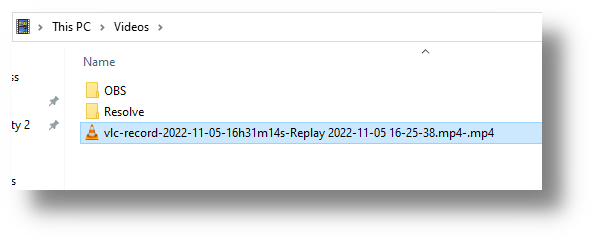
his cut clip is the one that I upload and share.